
Laptop Altitude Sickness: Our Real Experience in Bolivia's High Andes and Essential Prevention Tips
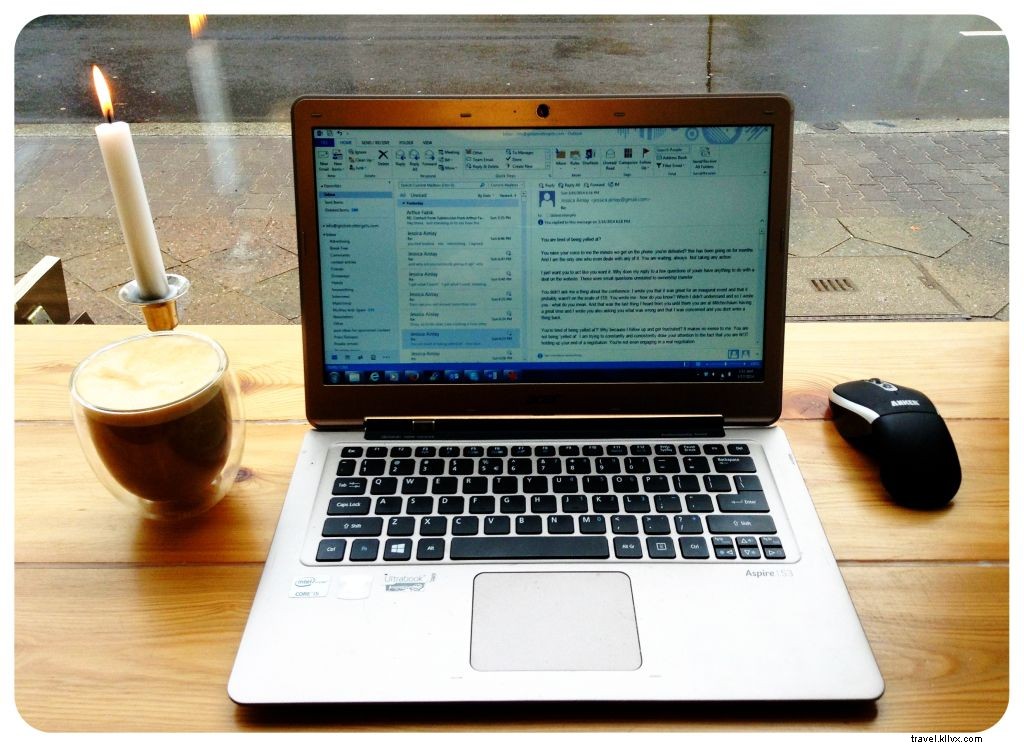
Yes, laptops can suffer from altitude sickness. We discovered this firsthand when my new Acer Aspire began malfunctioning in Potosí, Bolivia, at 4,050m (13,500ft)—just five weeks into our South America trip and six weeks after purchase.
Symptoms started gradually: initial freezes followed by recovery, then prolonged lockups requiring a hard reboot, and finally spontaneous shutdowns without warning.
I panicked, aware that repairs or replacements in Bolivia were nearly impossible, and unsure about warranty returns from abroad.
Meanwhile, Jess’s MacBook Air performed flawlessly—until it too exhibited the same issues days later. Proactively researching the symptoms, Jess identified it as altitude sickness affecting electronics, a phenomenon tied to each laptop's maximum operating altitude.
For reference:
- 3,000m / 10,000ft for the MacBook Air
- Just under 3,000m / 10,000ft for the Acer S3 Ultrabook

This rarely impacts most travelers, as few destinations exceed these heights. However, our itinerary through Bolivia and Peru's Andes included multiple high-altitude stops:
- La Paz: 4,058m / 13,313ft
- Lake Titicaca: 3,841m / 12,602ft
- Puno: 3,860m / 12,420ft
- Cusco: 3,399m / 11,152ft

Only Sucre at 2,810m (9,220ft) fell below the limit. Beyond freezes and shutdowns, high altitude risks permanent hard drive failure, especially in HDD-equipped laptops. The read head, suspended on a thin air cushion, drops too close to the spinning disk under low pressure, potentially causing a crash and data loss.
SSDs (like in many Apple models) are safer without moving parts, but altitude issues still void warranties per manufacturer specs.
Casual backpackers may overlook this, handling light tasks via phone. As digital nomads managing an online business, we faced a crisis: extended stays in danger zones and heavy daily use (up to 12-hour sessions).
Suggestions like "keep it off in La Paz" were impractical. We minimized usage amid Bolivia's sluggish Wi-Fi, ran single programs, and backed up to USB/external drives immediately.
Post-Andes, my Acer persisted in glitching—clearly damaged. Forewarned, we'd have prepared differently; we advise against prolonged high-altitude business use exceeding one hour daily.
Tips to protect electronics in the Andes, Nepal, Tibet, or similar high-altitude regions:
Back up data before reaching your laptop's max altitude.
USB flash drives are unaffected, lacking moving parts.
Fully shut down when not in use.
Avoid sleep/hibernate modes, especially during travel.
Avoid stressing the system.
Limit to one program, minimal tabs, no auto-refreshing apps.
Keep devices warm.
Cold high-altitude air strains batteries; insulate electronics.
What about airplanes?
Cabins are pressurized above 10,000ft, so devices are safe in flight.
Experienced laptop altitude sickness at high elevations? Share in the comments!