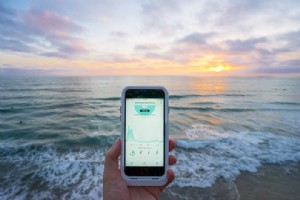

How to Stay Connected on International Trips: Reliable WiFi Hotspot Guide
Staying connected during international travel is crucial for business professionals and leisure travelers alike. Finding reliable WiFi abroad can be challenging, but portable solutions make it seamless. As someone who runs an online business and frequently works remotely, I've tested various options. We've partnered with Vision Global WiFi—a trusted provider of portable hotspots in over 130 countries—to share proven strategies for uninterrupted connectivity.
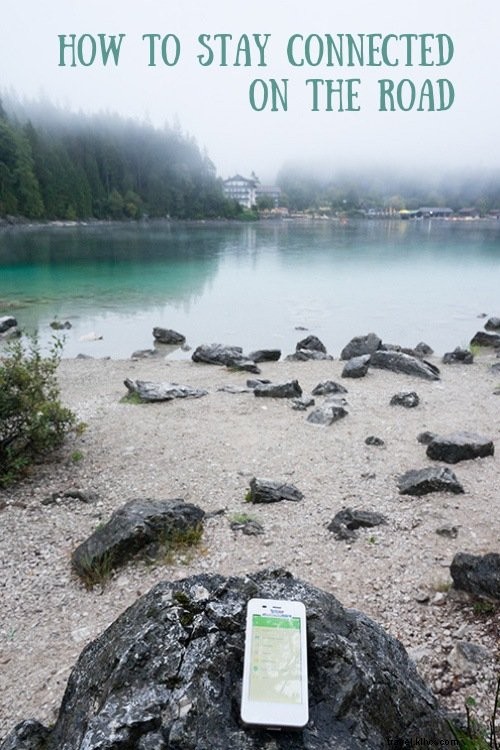
Use an International WiFi Hotspot
A pocket WiFi hotspot delivers mobile internet access across your devices without complex setup. Vision Global WiFi's devices require only a simple password entry for instant connectivity. I used theirs on a 3-week trip through Switzerland, Germany, and Ireland, where it delivered consistent performance.
Key Benefits of WiFi Hotspots
These devices eliminate costly roaming fees, preserving your travel budget. They also save time at your destination. I've used them for social media updates, video/voice calls, trip research, blogging, and navigation via maps.
They're ideal for off-grid activities like hiking or camping, where cell signals falter—ensuring safety. Connect up to 5 devices simultaneously, and use it as a backup power bank. Pre-calculated rates provide budgeting peace of mind.

How to Rent a WiFi Hotspot
Visit Vision Global WiFi's website, apply for a router, and receive it at your specified address one day before departure. Apply at least four days in advance for timely delivery. After your trip, return it within 24 hours using the provided prepaid, pre-addressed USPS envelope.

Essential Tips for Maximizing Your WiFi Hotspot
Optimize Email Usage
Limit email download sizes to conserve bandwidth—set restrictions for large attachments. Disable push notifications to prevent unnecessary data drain.
Limit Multimedia Consumption
Streaming videos consumes significant bandwidth. Prioritize text-based content to extend your hotspot's usability.
Manage Background Apps
Apps may continue running and refreshing in the background, depleting data and battery. Restrict them via device settings—on Apple devices, adjust "Background App Refresh."